YouTube Subscribe Animations


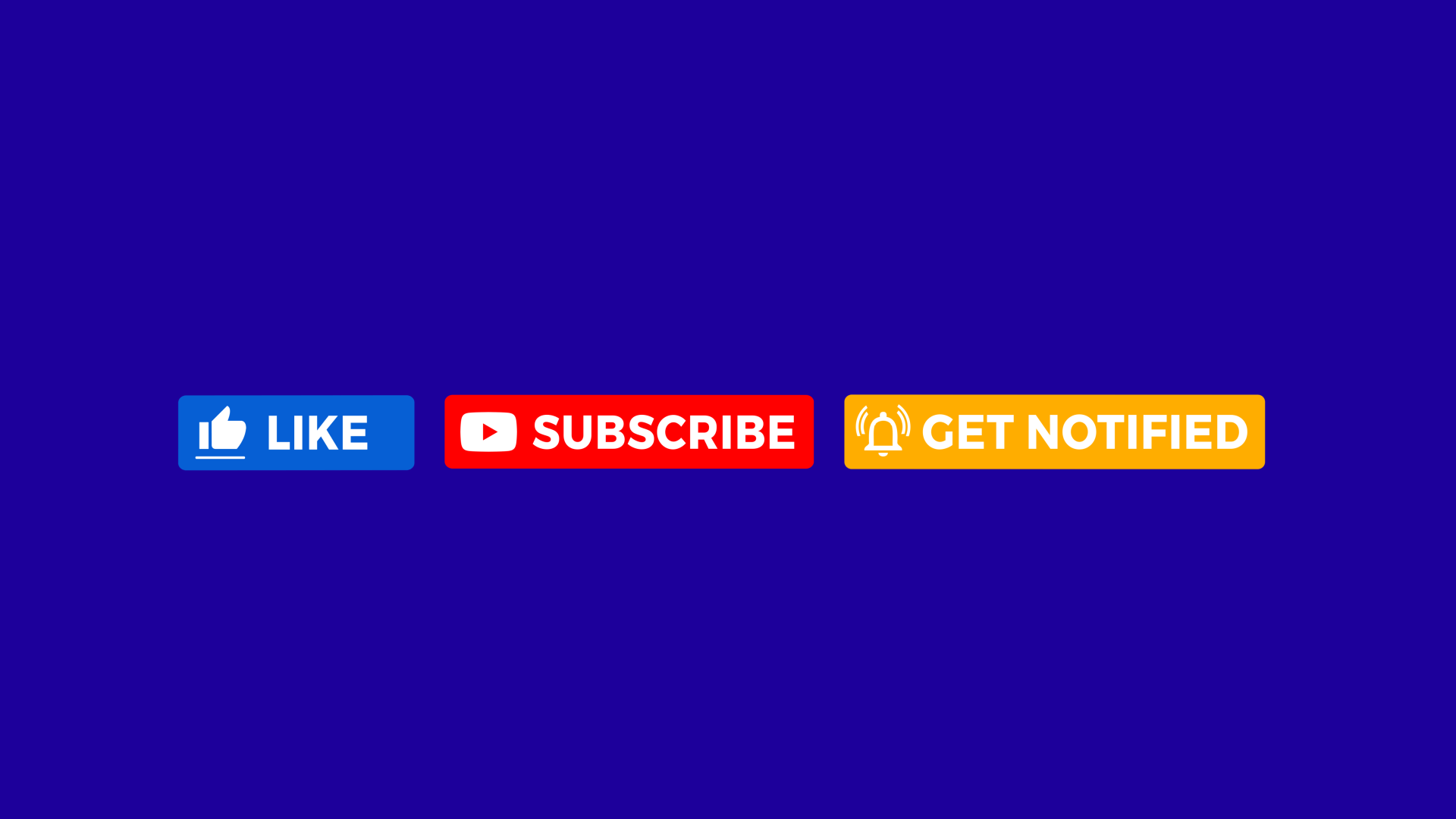

YouTube Subscribe Animations
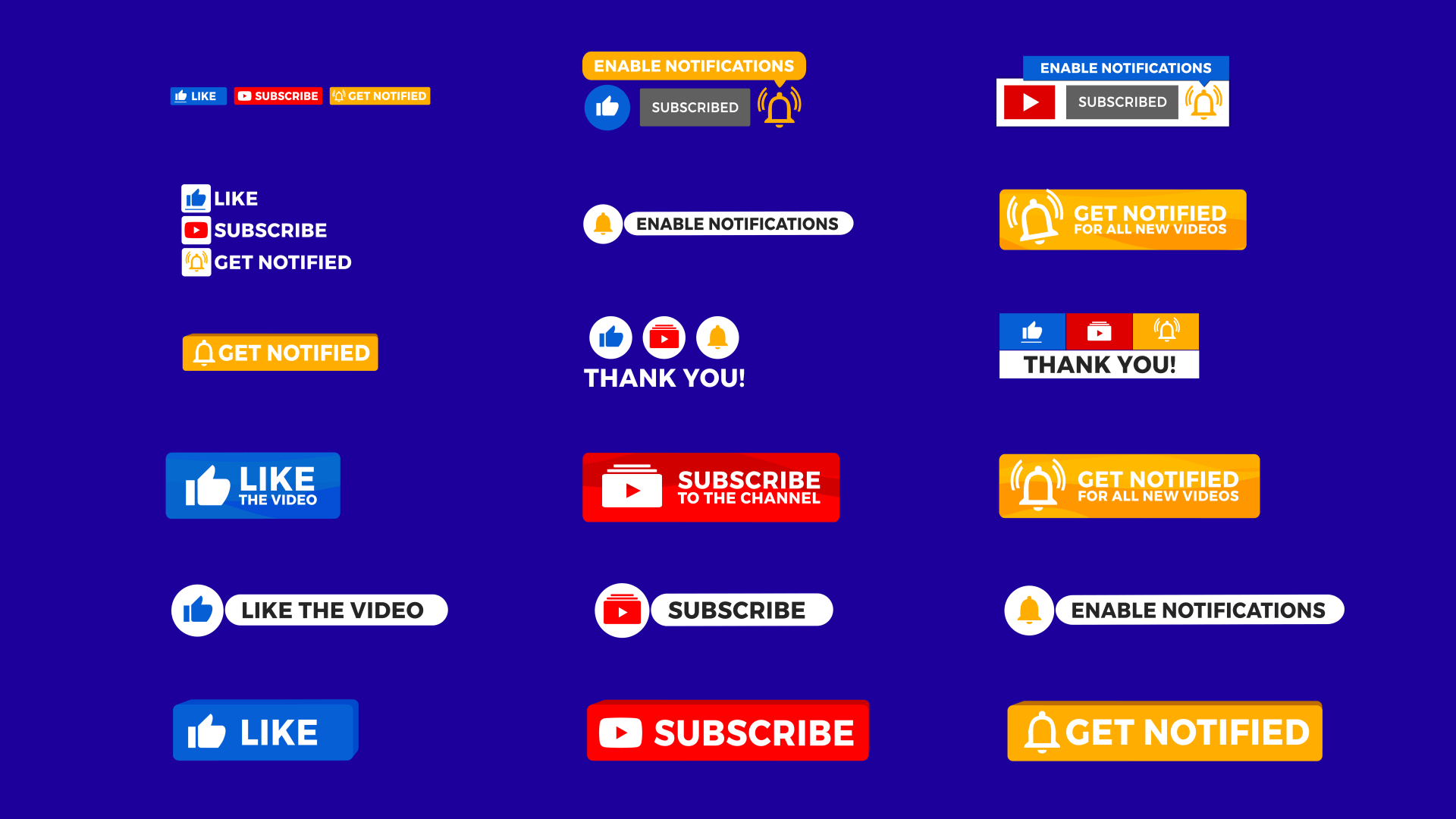
✔️ 18 Subscribe Animation Assets
✔️ MOV & MP4 Formats
✔️ Transparent & Green Screen Backgrounds
✔️ Includes Like, Subscribe & Bell Animations
✔️ 4K & HD Compatible Resolutions
Download 18 high-quality YouTube Subscribe Animations in MOV & MP4 formats with transparent and green screen backgrounds.
📑 Table of Contents
Bring more subscribers to your channel with these professionally designed YouTube Subscribe Animations. Perfect for YouTubers, creators, educators, and businesses, this pack includes 18 unique call-to-action animations designed to increase YouTube subscribers.
Whether you're using Premiere Pro, Final Cut Pro, DaVinci Resolve, iMovie, or almost any editor, these assets are drag-and-drop ready, no plugins needed. Use them as a reminder to Like, Subscribe, and Enable Notifications boost subscribers.
How YouTube Subscribe Animations Help You Grow
Boost Subscribers Fast
Well-placed animations remind viewers to like, subscribe, and hit the bell — helping you grow your channel with every upload.
Professional Video Look
Add clean, eye-catching animations that make your videos feel more polished and visually put-together — no design skills needed.
Save Time Editing
Skip the editing grind — just drag and drop into your timeline. Works with Premiere Pro, Final Cut, and other major editors.
Best For In-Video Prompts
Use during your videos to remind viewers to like, subscribe, and hit the bell — ideal for tutorials, vlogs, product reviews, and livestream clips.
One-Time Use Forever
No subscriptions or hidden fees. Use these animations in unlimited videos for life.
Styles to Match Your Brand
Comes with a variety of looks — 2D, 3D, slide-ins, pop-ups, grouped buttons — so you can find the style that fits your channel best.
📦 What’s Inside the Pack
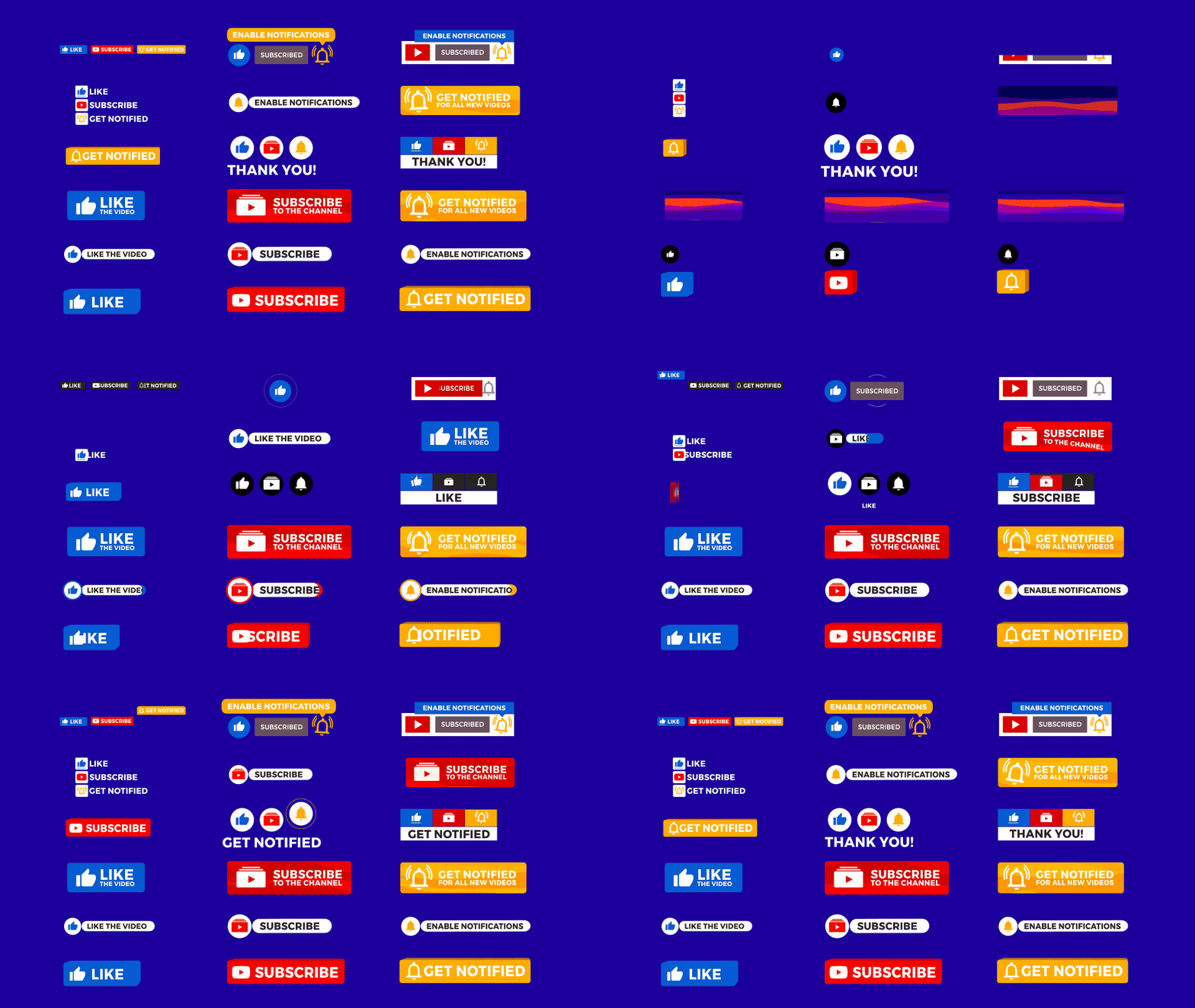
All the subscribe, like, and notify animations you need — in one easy-to-use pack.
Total Assets:
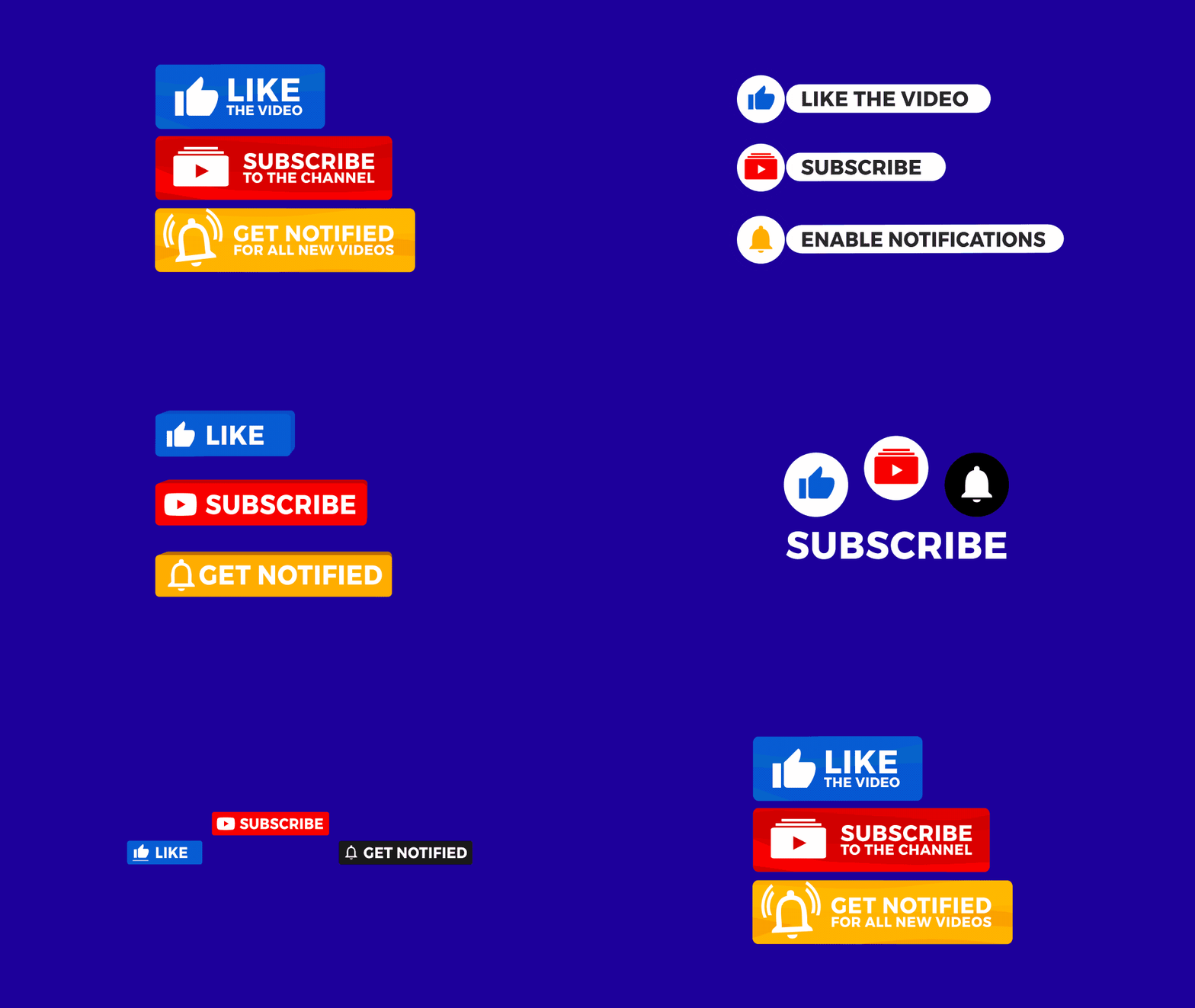
• 18 subscribe animations (MOV – transparent background)
• 18 subscribe animations (MP4 – green screen)
Total: 36 Assets
Styles:
• Like Button Animations
• Subscribe Button Animations
• Notification Bell Animations
• Classic YouTube Sequences
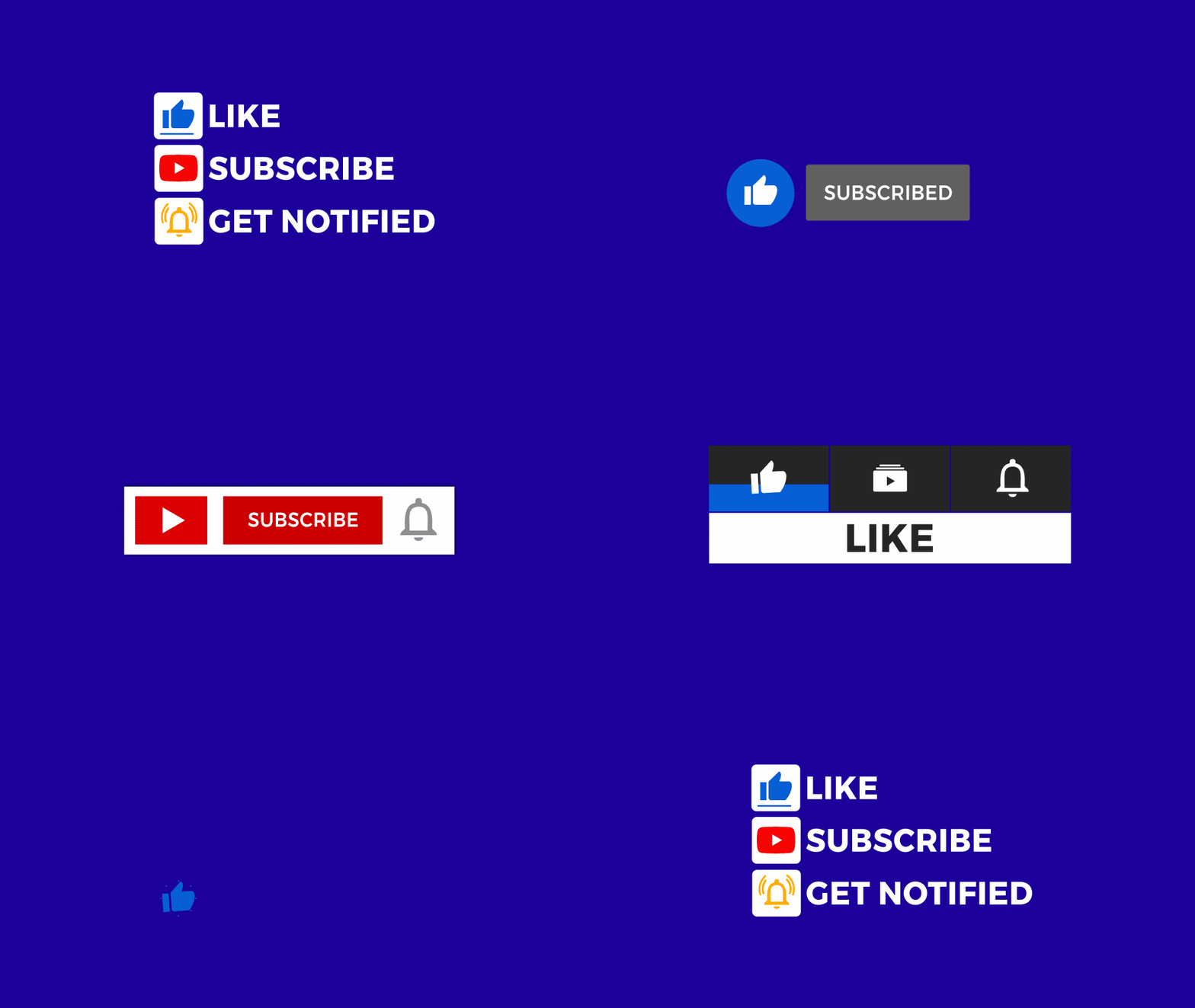
• Grouped Combos (Vertical & Horizontal Layouts)
• 3D Bounce & Slide
• Wave Swipe
• Memo Style Aniamtions
• Classic YouTube Style
• Button Taps
• Minimal Zooms & Pulls
• Bounce & Badge Effects
File Formats Included:
MOV — Transparent background (Apple ProRes + Alpha Channel)
MP4 — Green screen background (H.264, Chroma Key Ready)
Product Specs & Details
| Feature | Details |
|---|---|
| Project Type | YouTube Subscribe Overlays |
| Style Variety | 3D, Wave, Meme, Pop-Up, Classic, Minimal Zooms |
| Video Assets | 18 Pre-Rendered Animation Elements |
| Resolution | 4K + HD (Adjusted) |
| Format | MOV (Alpha) + MP4 (Green Screen) |
| Length | 00:10 Seconds Each |
| FPS | 29.97 |
| Aspect Ratio | 16:9 (Widescreen Optimized) |
| Background | Transparent (Alpha) & Green Screen |
| Download Size | 300MB (~700MB Extracted) |
| How to Access Files | Instructions Here |
| License | Full Usage License |
Compatibility & Workflow
| Video Editor | Formats & Usage |
|---|---|
| Premiere Pro | MP4 & MOV - Alpha & Green |
| Final Cut Pro | MP4 & MOV - Native Keying |
| DaVinci Resolve | MP4 & MOV - Both Supported |
| iMovie | MP4 - Use Chroma Key Tool |
| Vegas Pro | MP4 & MOV - Use Keying FX |
| HitFilm Express | MP4 - Pro MOV Support |
| PowerDirector | MP4 - Easy Green Screen |