
Minimal Lower Thirds
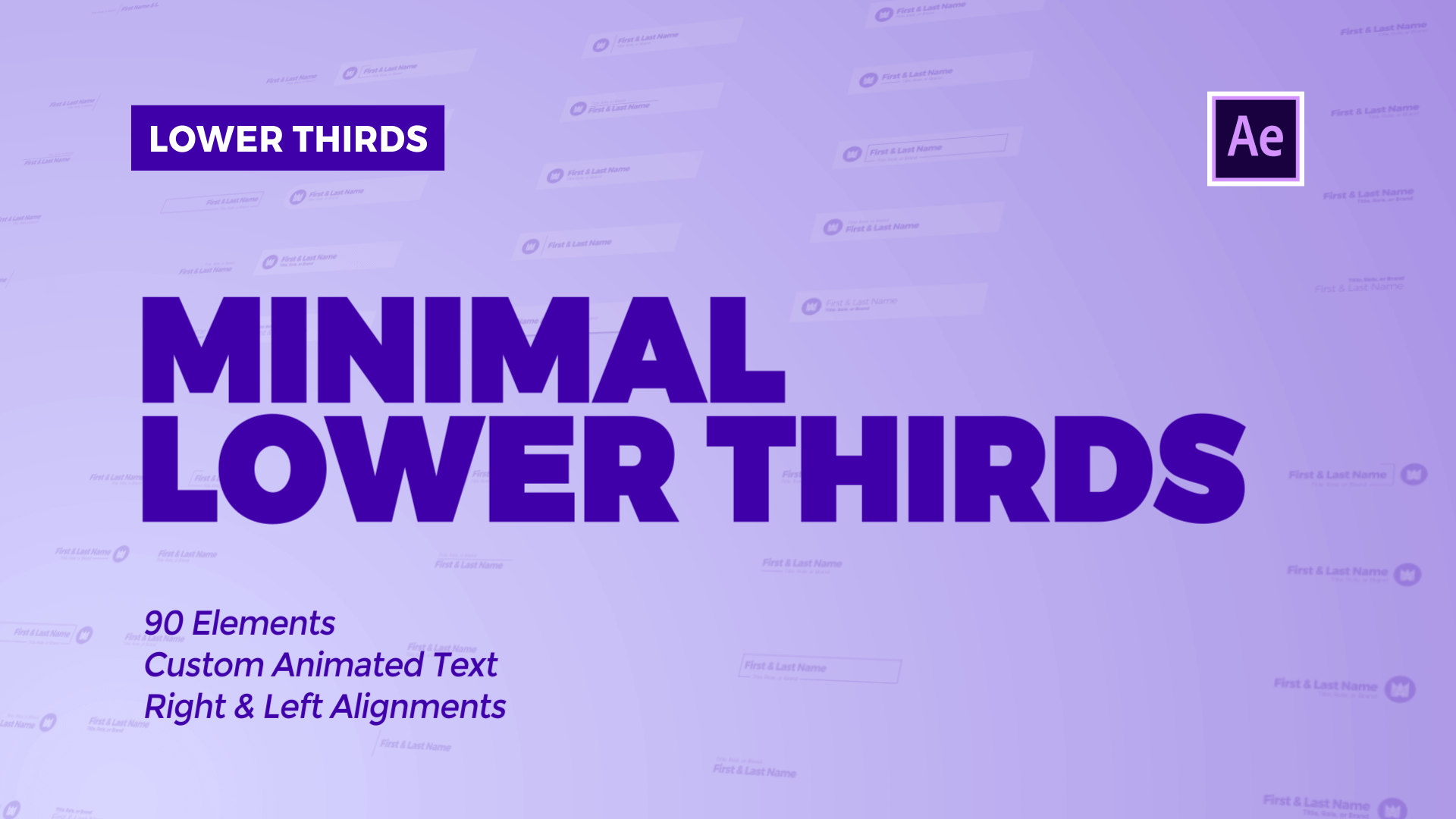
Minimal Lower Thirds
Minimal Lower Third & Simple Motion Design
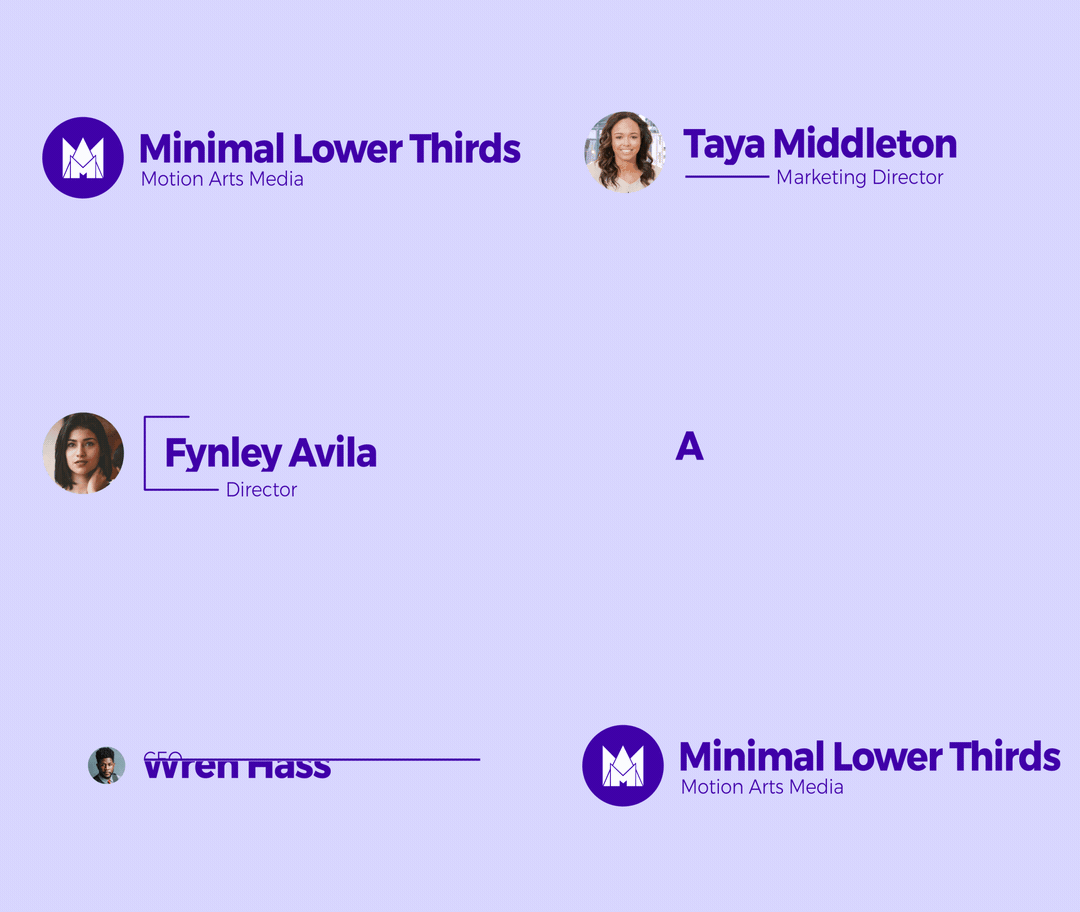
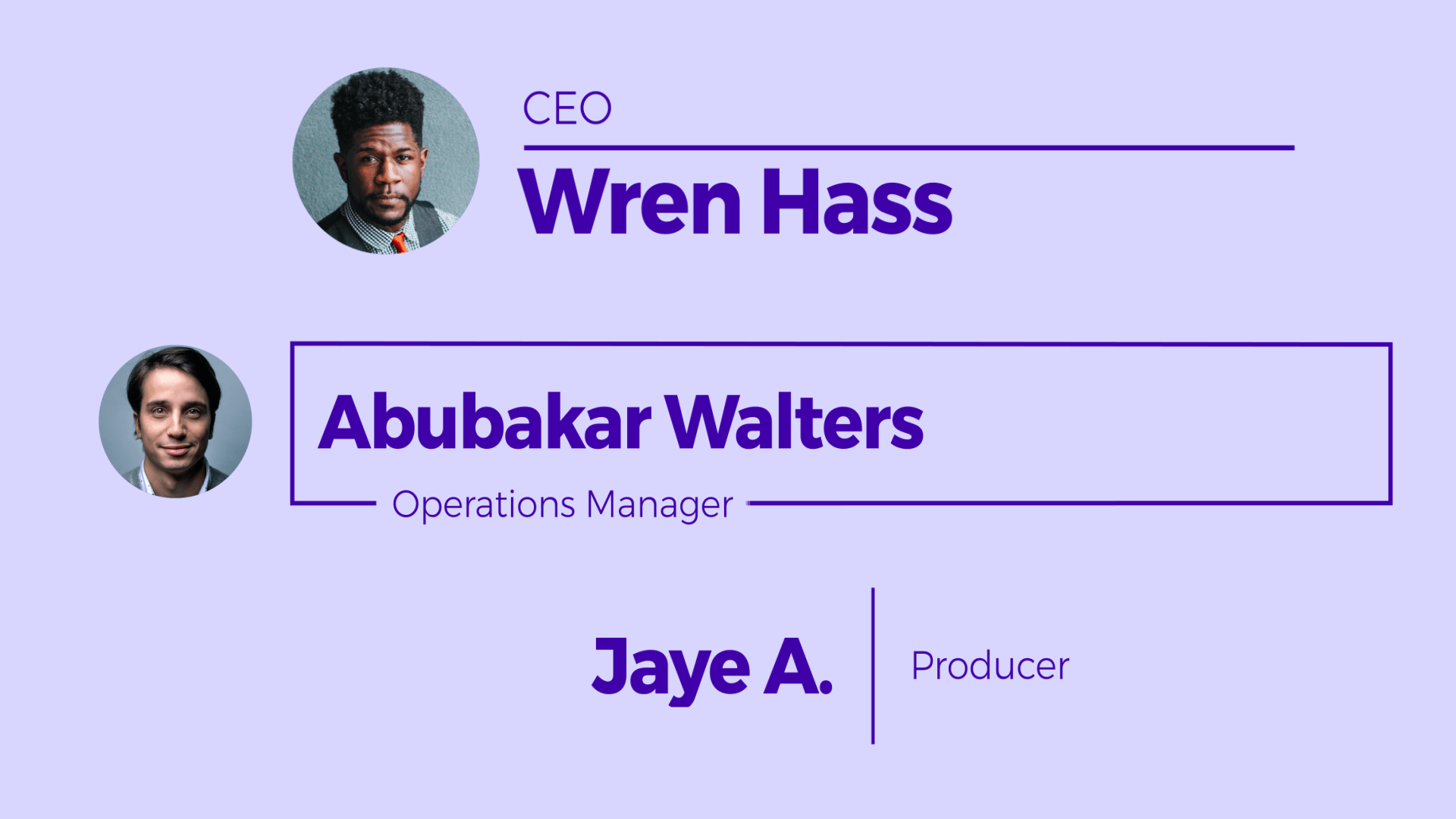
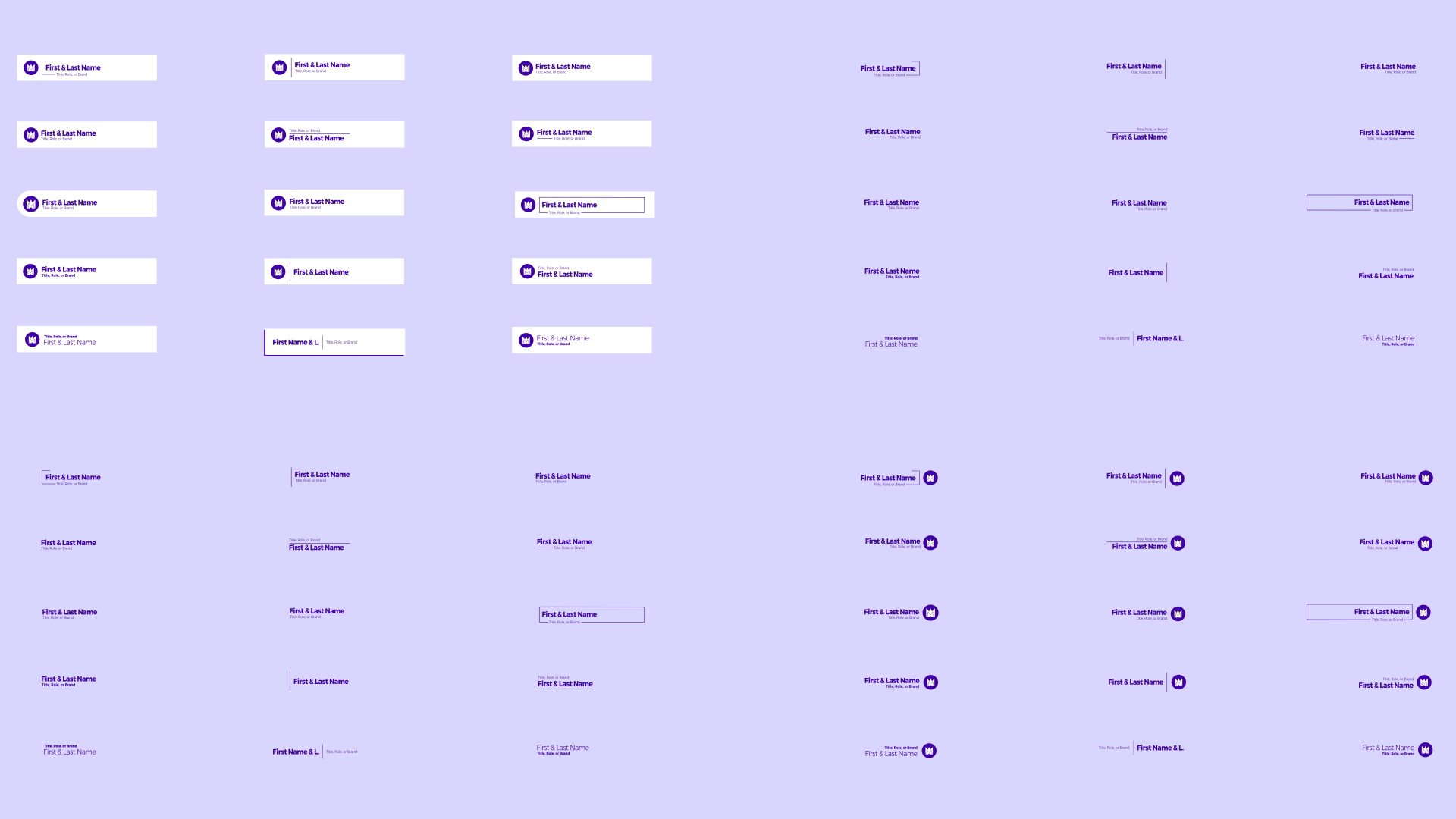
15 unique minimal lower thirds
90 possible elements (6 versions each)
Custom animated text
Right and left alignment
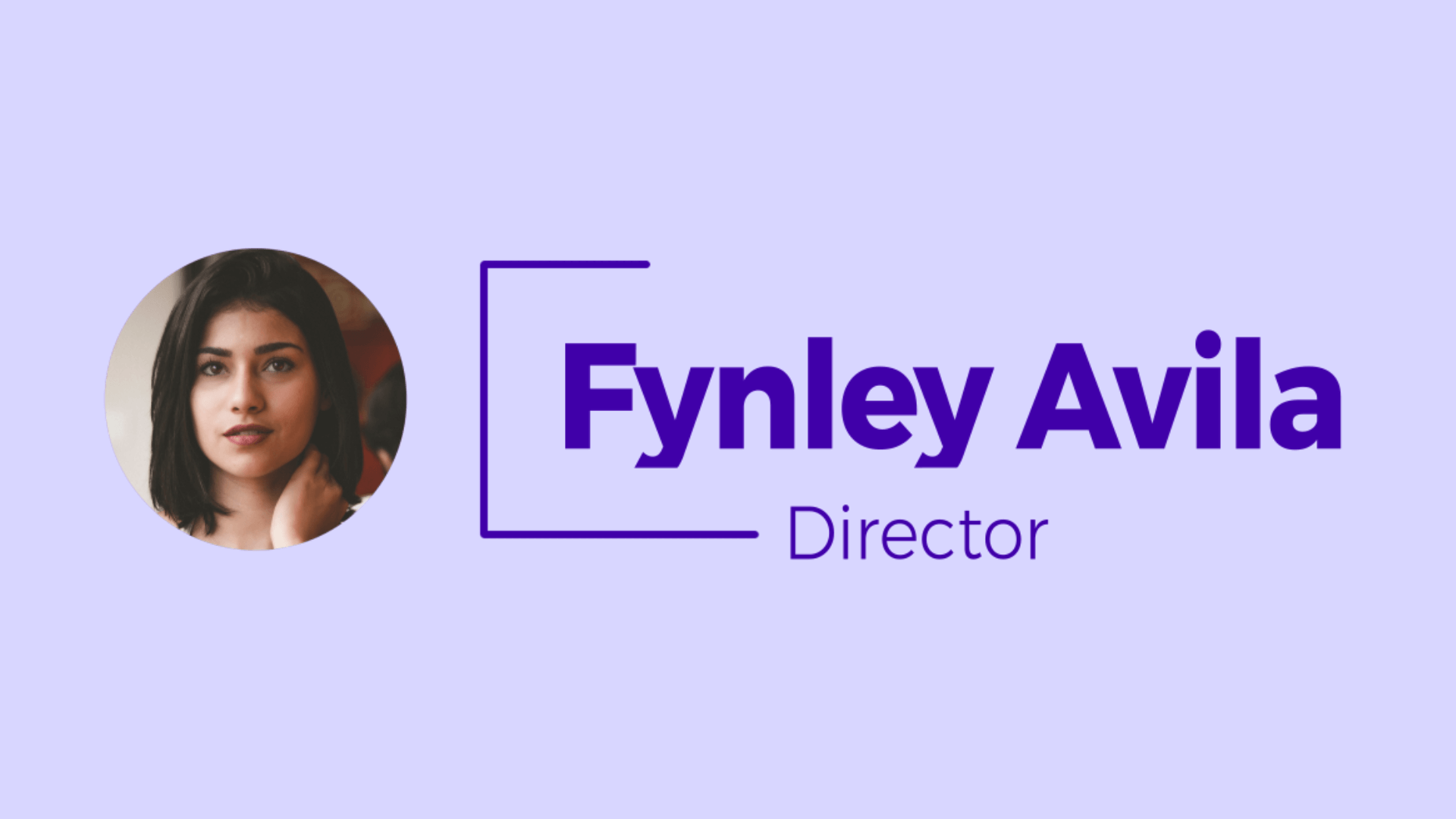
Add logo & photos
Control settings for logo, text, colors, elements, and scale
Description
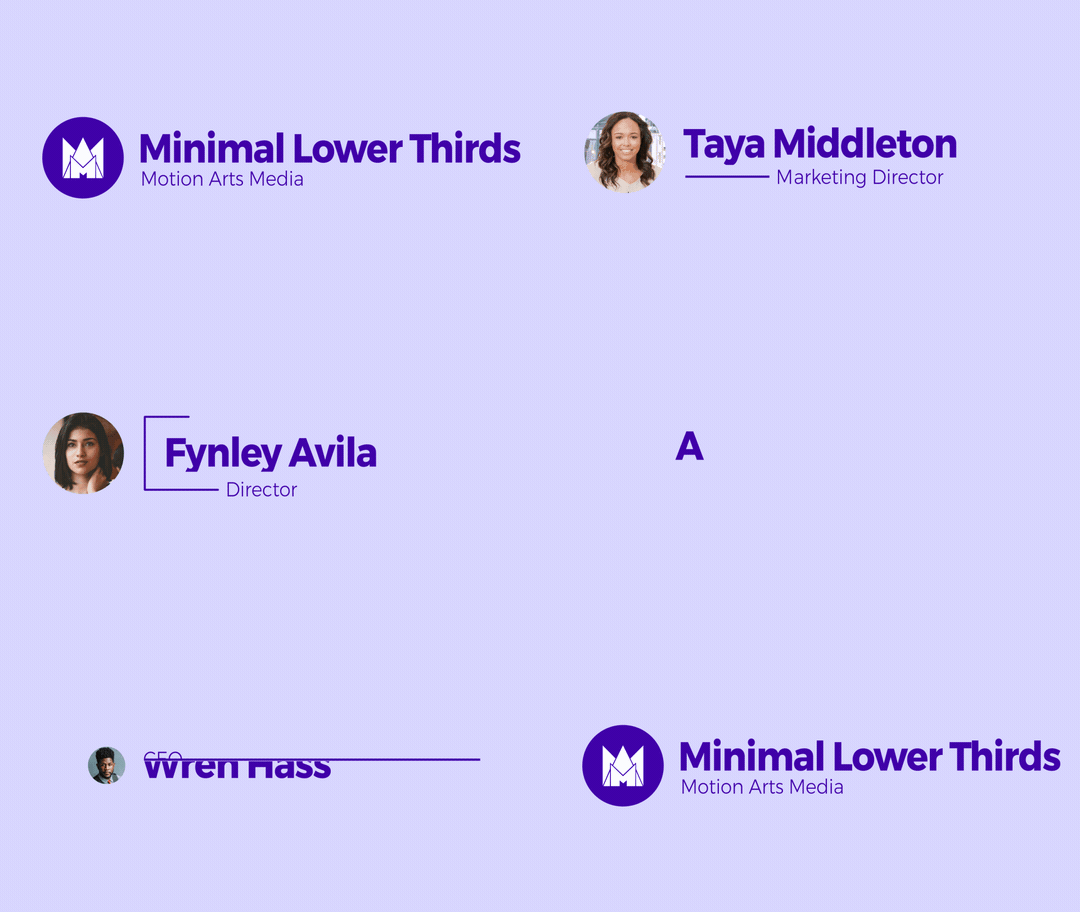
Create simple lower third animations with our after effects template, Minimal Lower Thirds. Customize colors, elements, and background. Add photo or logo to your lower third animation.

Details
Project Type - After Effects Lower Third Template
Style - Minimal Lower Third Design
Software - After Effects
Compatibility - After Effects 13 (CC & Up)
Frame Rate - 29.97 fps
Resolution - 4k & HD
Plugins - None Required
Music - Not Included. (Credit - Youtube Audio Library)
Download Size - 9MB
License & Refund Info - Learn More
Features
Modular Structure
1 Logo Placeholder
1 Photo Placeholder
1 Text Placeholder
15 Animated Lower Thirds
Custom Text Animations
Right & Left Alignment
6 Different Versions per Lower Third
90+ Lower Third Elements Possible
Universal Expressions
Simple Effect Controls
Easy Customization
Well Organized Template
Helpful Documentation


Template Effects & Use
Logo (On/Off) - Tick the checkbox to toggle on/off the logo
Photo Image (On/Off) - Tick the checkbox to toggle on/off the photo for the lower third
Logo Fill (On/Off) - Tick the checkbox to fill the logo with a color
Logo Fill (C) - Pick the color for the Logo Fill
Logo BG Shape (1,2,3,4,5,6)(0=Off) - Pick the background shape style for the Logo
Logo BG (C) - Pick the color for the Logo Background Layer
Text (C) - Pick the color for the small text in all title compositions
Shape & Lines (C|O) - Adjust Color & Opacity for all Line Strokes
Lower Third BG (C|O) - Adjust the Color & Opacity of the background layers for all lower thirds
Lower Third BG (S.Width) – Extend the lower third background layer to make room for more text to add in the lower third.
Lower Third Align Right (On/Off) – Tick the checkbox to toggle right alignment of lower thirds